





























Is Your Phone’s App Secretly Tracking You? Find Out Now
Many "free" apps are tracking your information without your knowledge—from your location to your search history.

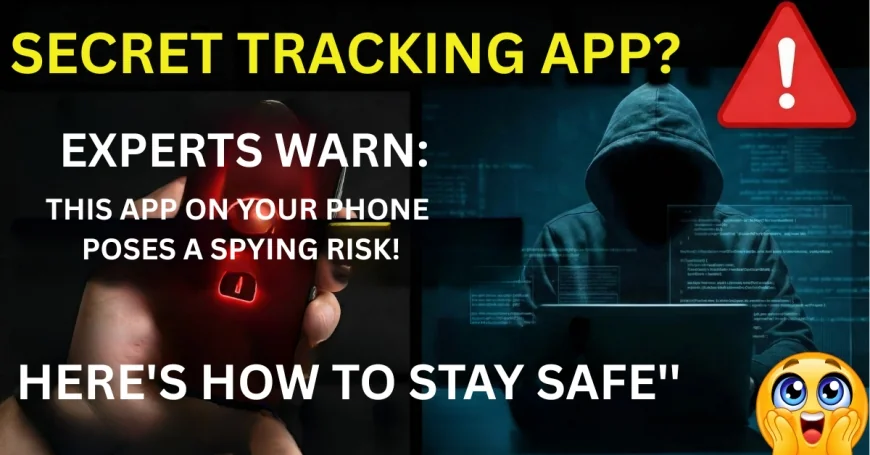
Surprisingly, many “free” apps track your data—including your location, search history, contacts, and even your usage of other apps. Cybersecurity experts say that many apps do this legally because users unknowingly accept all the permissions.
What the Experts Found?
Some flashlight, wallpaper, QR scanner, horoscope, and free utility apps collect data unnecessarily.
Many apps request permissions that have nothing to do with their function—such as a flashlight app requesting access to location or contacts.
“Free apps” often make money by selling user behavior data to advertisers or data brokers.
How These Apps Track You?
Many apps track you through various techniques. Some use your GPS location to know your every movement, while others access your microphone, photos, and metadata to infer your activities. Many apps monitor your digital habits through device IDs, browsing patterns, and advertising tracking SDKs. If the app is a custom keyboard, it can even capture your typing behavior.
What data is typically collected?
Most tracking apps collect data such as your precise location, device information, and which apps are installed on your phone. Many apps also access your contact list, advertising ID, and IP address. In addition, they record your usage patterns, such as when your phone is unlocked or how much time you spend on a particular app.
Why do companies do this?
Companies collect your data for several reasons—primarily to improve advertising targeting and make more money. Some companies even sell this data to third parties. Many apps also use this information for AI model training, marketing predictions, and tracking product usage to better understand your behavior.
Signs That an App Is Tracking You.
There are several clear signs that an app might be tracking you. If an app is free but displays a lot of ads, it's likely making money by collecting your data. Apps with a small file size (2–5MB) that request excessive and unnecessary permissions are also a red flag. Sudden and rapid battery drain, unusual data usage in the background, or an app requesting unnecessary access to your camera, microphone, or location—these are all indications that the app may be monitoring your activities.
How to Protect Yourself from tracking?
To protect yourself from tracking, it's essential to take some simple but highly effective steps. First, regularly check app permissions and only grant access that is absolutely necessary. Disabling settings like Background App Refresh and Precise Location prevents unwanted monitoring by apps. iPhone users can gain complete control over which apps are allowed to track them through App Tracking Transparency. Avoid unknown and suspicious utility apps, and always install only those apps with reliable ratings, reviews, and developers. These small steps can significantly enhance the security of your data.
What's Your Reaction?
 Like
0
Like
0
 Dislike
0
Dislike
0
 Love
0
Love
0
 Funny
0
Funny
0
 Angry
0
Angry
0
 Sad
0
Sad
0
 Wow
0
Wow
0